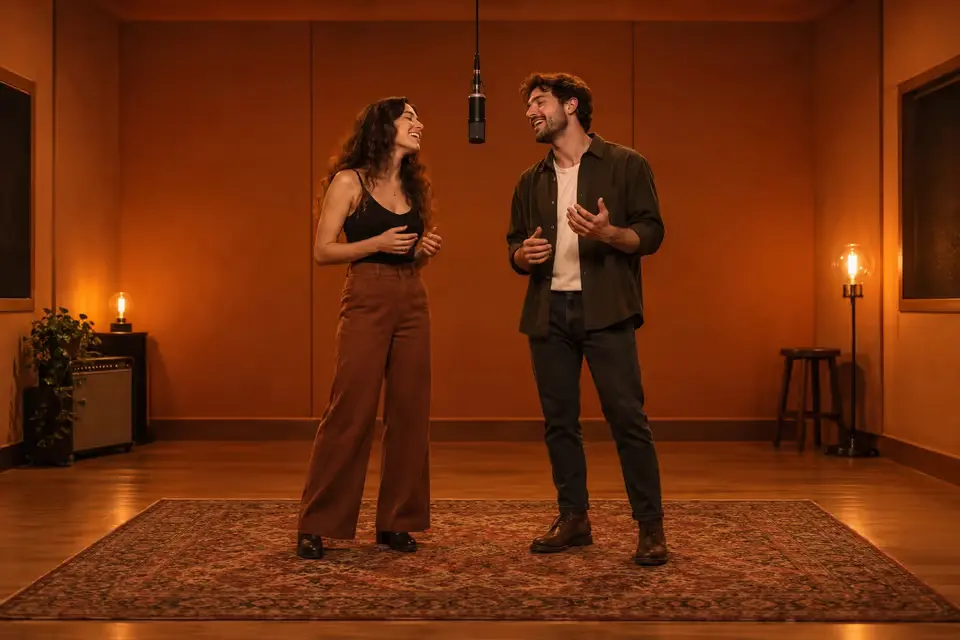
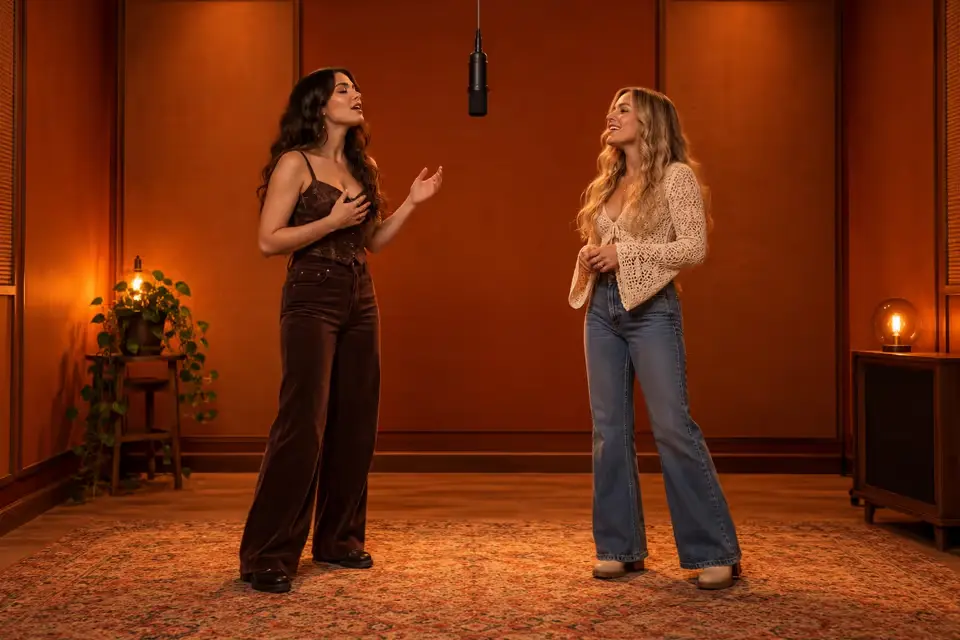
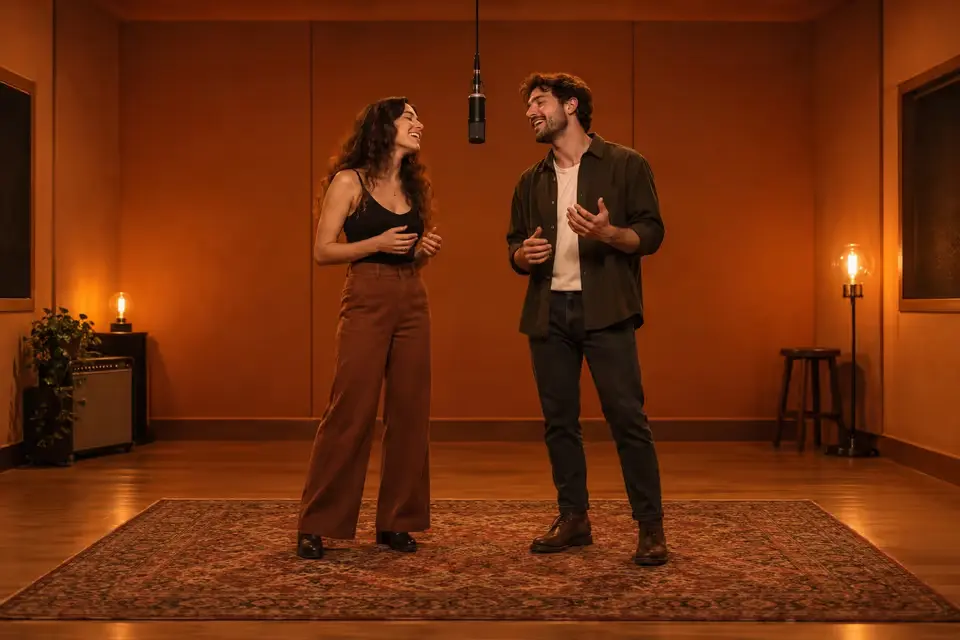
Upload two photos and create the viral Hotel Lobby AI duet in minutes. Person A on the left, Person B on the right, one shared microphone, burnt-orange booth — no prompt writing required.
Upload your two photos
One person per photo. Use a clear face and upper body.
Left performer
Right performer
JPG / PNG / WebP · 10 MB each
Framing
Length
What should happen?
Cost: 10 credits
Failed generations return credits.
Superhero duo example
8s · 480P · 9:16
AI-generated demo. Results and audio vary.
WHAT IS HOTEL LOBBY AI
The viral two-person duet in an orange studio
Hotel Lobby AI is a social video format inspired by a real performance. Two people share one microphone in a flat burnt-orange booth while the camera stays centered. This generator turns your two photos into that look — no separate prompt tool required.
Origin
Where the look comes from
In June 2022, COLORS published Quavo and Takeoff performing "Hotel Lobby" as Unc & Phew against a flat orange backdrop. Two performers share one condenser microphone on a cable, trade lines and stay mostly still while the camera holds center. Creators later used AI tools to replace the rappers with friends, couples, pets or characters while keeping the booth, mic and duet structure.
Format
What viewers expect to see
A successful Hotel Lobby AI clip is usually vertical 9:16, 5–15 seconds, with Person A on the left and Person B on the right. One person leads, the other reacts, then they trade the moment at the shared mic. The walls stay matte orange, lighting stays warm and even, and the camera stays locked off.
Tool
Generate directly on this page
Upload one photo per person, pick framing and length, then generate. MyAIVideo composites your references into the orange booth and runs image-to-video with a built-in scene template — so you do not need to copy prompts or open a separate editor first.
HOW IT WORKS
Three steps from two photos to a Hotel Lobby AI clip
The generator handles booth layout and motion direction. You focus on choosing the right references.
1
2
3
Upload two authorized portraits
Add one clear photo per person — left performer first, right performer second. Visible faces, similar scale and neutral expressions work best. Only upload images you own or have permission to use.
Choose framing and length
Classic framing keeps the knees-up look most people recognize from the trend. Full body shows more of each performer. Pick 8s or 15s depending on how long you want the exchange to run.
Generate, preview and download
Click generate and wait for the image-to-video pass to finish. Review left-right placement, faces and the center microphone. Regenerate with sharper photos or a shorter styling note if identity drifts.
PHOTO TIPS
Prepare references the generator can follow
Better inputs mean better Hotel Lobby AI results. These checks reduce common duet failures before you spend credits.
Match scale and angle
Use sharp images with full faces and enough clothing to guide the scene. Avoid heavy filters, sunglasses or busy backgrounds. If one photo is a tight close-up and the other is full body, crop or replace one so both references feel similar.
Lock left and right placement
Person A should stay on the left and Person B on the right for the whole clip. Use swap photos if you uploaded them in the wrong order. Swapped sides are one of the most common Hotel Lobby AI mistakes.
Keep the action readable
Use the optional styling field for small details — sunglasses, matching outfits, a confident vs surprised expression. Avoid long stories or fast action on the first attempt.
Respect people and platforms
Get permission from everyone pictured. Do not impersonate protected characters or public figures in a misleading way. Label AI-generated clips when your audience or platform expects disclosure.
DUET IDEAS
Hotel Lobby AI ideas for friends, couples and more
The duet works when the relationship is obvious in one glance.
Plan a call-and-response: one friend opens with a confident line, the other answers with a smile or eyebrow raise. Keep gestures small so both faces stay readable.
GOOD TO KNOW
What to expect from this generator
This Hotel Lobby AI video generator uses image-to-video with a built-in booth template. It creates a readable duet from your two photos, but it may not reproduce the exact choreography, audio or lip-sync of the original COLORS performance.
Dedicated motion-transfer tools can match a reference clip more closely. For most creators, correct left-right placement, a clear mic handoff and stable faces are the right first goal.
Add platform audio, captions and final edits in your publishing app. Review every clip for identity drift, extra fingers, merged faces or swapped sides before you post.
Hotel Lobby AI generator FAQ
Answers about the trend, photos, credits and results.
Create your Hotel Lobby AI duet now
Scroll up, upload two photos, and generate your first orange-booth clip.