
AI Text to Video Generator
Turn a text prompt into a short AI video in minutes. Describe your scene, choose a model and format, then generate, preview and download an MP4—no source footage or editing required.
Create an AI video from a text prompt
Text to video turns a written scene into a short moving clip. Describe what should happen, choose the output settings and generate a downloadable MP4 in your browser.

Control
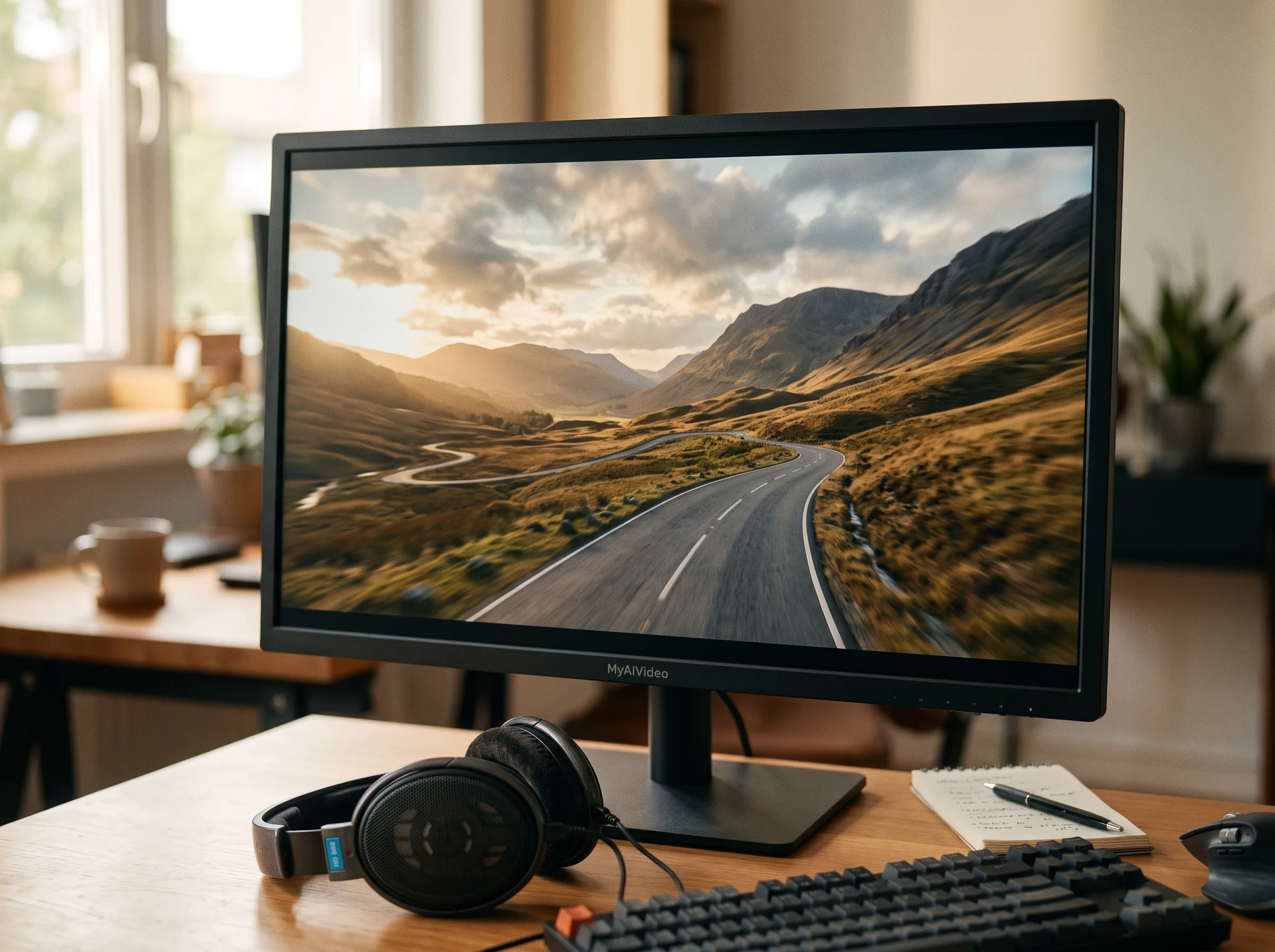
Choose a model and format
Select an available AI video model, aspect ratio, resolution and clip length. The choices and credit cost update before you generate.
Create
Generate and review the clip
The model interprets your prompt and creates a new video. Review the motion and visual details, then refine the wording if you want another variation.
HOW IT WORKS
From text prompt to video in three steps
Create a focused shot without building a timeline or uploading source footage.
Write one clear scene
Describe the subject, action, setting and mood you want to see.
Select the output
Choose a model, aspect ratio, resolution and duration supported by that model.
Generate and download
Create the clip, review the result and download the finished MP4.
WHY USE TEXT TO VIDEO
A faster way to turn ideas into motion
Use text-to-video generation to test a visual direction, create a short asset or explore a shot before a larger production.
No source footage
Create a new clip from words without filming or uploading a starting video.
Multiple AI models
Choose from the text-to-video models currently available in the tool.
Flexible formats
Generate landscape, portrait or square video when the selected model supports it.
Short focused clips
Create model-dependent clips from 5 to 15 seconds for a single clear scene.
Up to 1080p
Select higher-resolution output when it is supported by the chosen model.
MP4 download
Preview the result online and save a standard MP4 for your next workflow.
USE CASES
Ways to use video generated from text
Start with one production goal and generate a focused clip that can stand alone or become part of a larger edit.
Create a vertical hook, visual idea or background shot for Reels, Shorts and TikTok, then add final titles or audio in your editor.
PROMPT GUIDE
Write prompts the model can follow
A useful text-to-video prompt usually describes one coherent shot with clear, visible details.
Name the subject
State who or what the viewer should see first.
Describe one action
Use a clear movement such as walking, turning, opening or flying.
Set the scene
Add the location, time, weather, lighting and mood that matter.
Guide the camera
Specify a close-up, wide shot, aerial view, pan or tracking move.
Keep one clear shot
Avoid packing several unrelated scenes or conflicting actions into one prompt.
Refine one detail
Change a single subject, motion or style detail when testing another version.
Text-to-video questions
Answers about inputs, models, formats, credits and generated video output.
Turn your next idea into video
Write one clear scene, choose the output and generate your text-to-video clip.