MyAIVideoMyAIVideo

AI Dance Generator

Make a dance video with your own photo and a dance reference you upload. Preview the clip, choose a 5–15 second output, and check the credit price before you generate.

Make your dance video

Upload a dance clip you may use and a clear photo of yourself. The reference guides movement; the output can differ.

1. Dance reference

Use a clip with one visible dancer and clear movement.

2. Your photo

A well-lit front-facing portrait works best.

3. Output length

Seedance 2 Fast · 720p · vertical 9:16 · silent MP4. Longer output may not preserve every move.

Credit costUpload reference for quote

Failed generations return reserved credits. View credit packs

Preview

Watch the example, then upload your own dance reference. Your generated MP4 appears here when ready.

The sample is for illustration; generation uses only the reference you upload. Motion, face detail, and timing may vary.

WHAT THIS TOOL DOES

A dance reference plus a photo, in one workflow

This AI Dance Generator uses a short video to guide the dance motion and a separate portrait to guide the main dancer's appearance. You choose both inputs. The tool sends them to Seedance 2 Fast and returns a silent vertical MP4. It does not require you to find a fixed trend template, edit a timeline, or choose a model before you start.

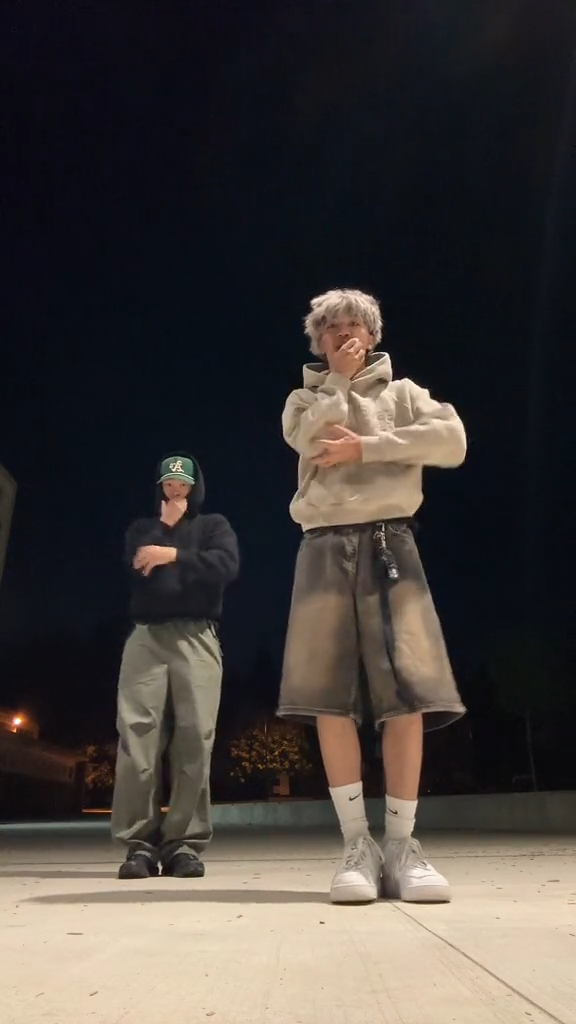
Frame from an example dance reference video
Motion reference

Your dance clip sets the movement

Upload an MP4 between 3 and 15 seconds. A clip with one visible dancer, an unobstructed body, and steady camera framing gives the model clearer information about the sequence of moves. The generated dance may vary rather than reproduce each frame exactly.

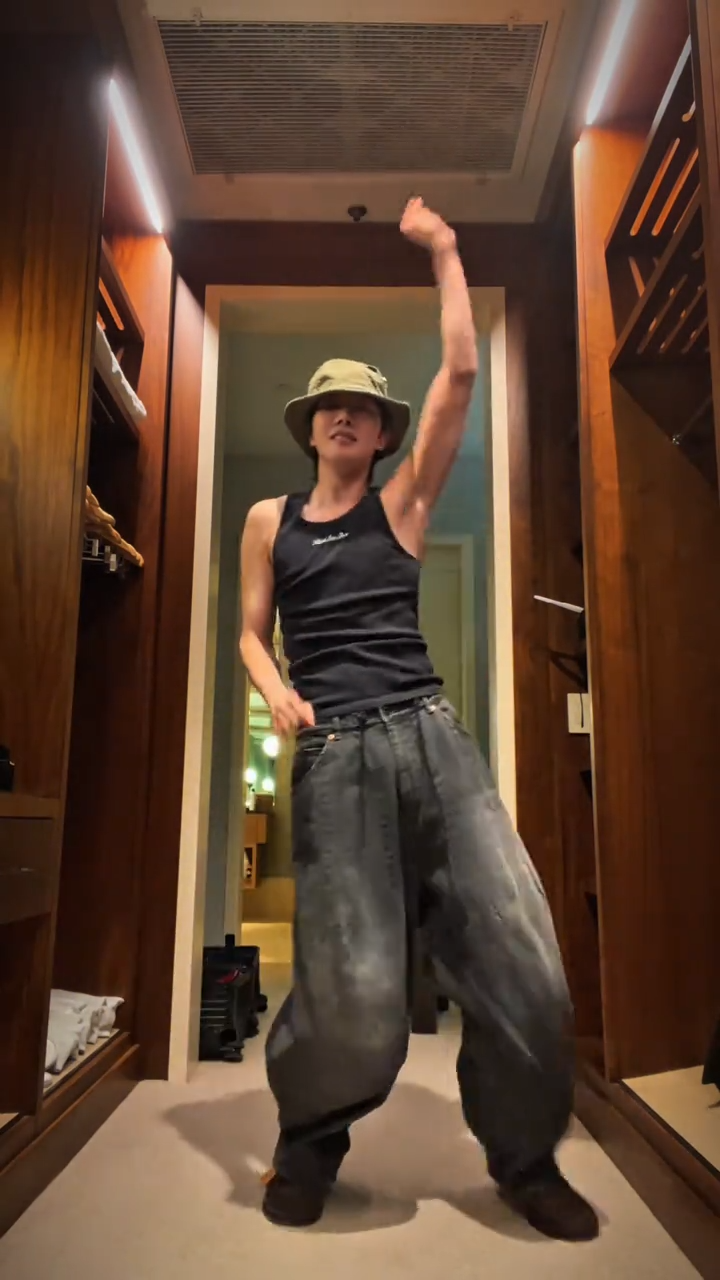
Still frame showing the example dance video
Identity reference

Your portrait guides the dancer

Upload a JPG, PNG, or WebP of the person you want to see dancing. A front-facing, well-lit photo with a clear face works better than a heavily cropped image, sunglasses, or a group shot. Only upload a photo you have permission to use.

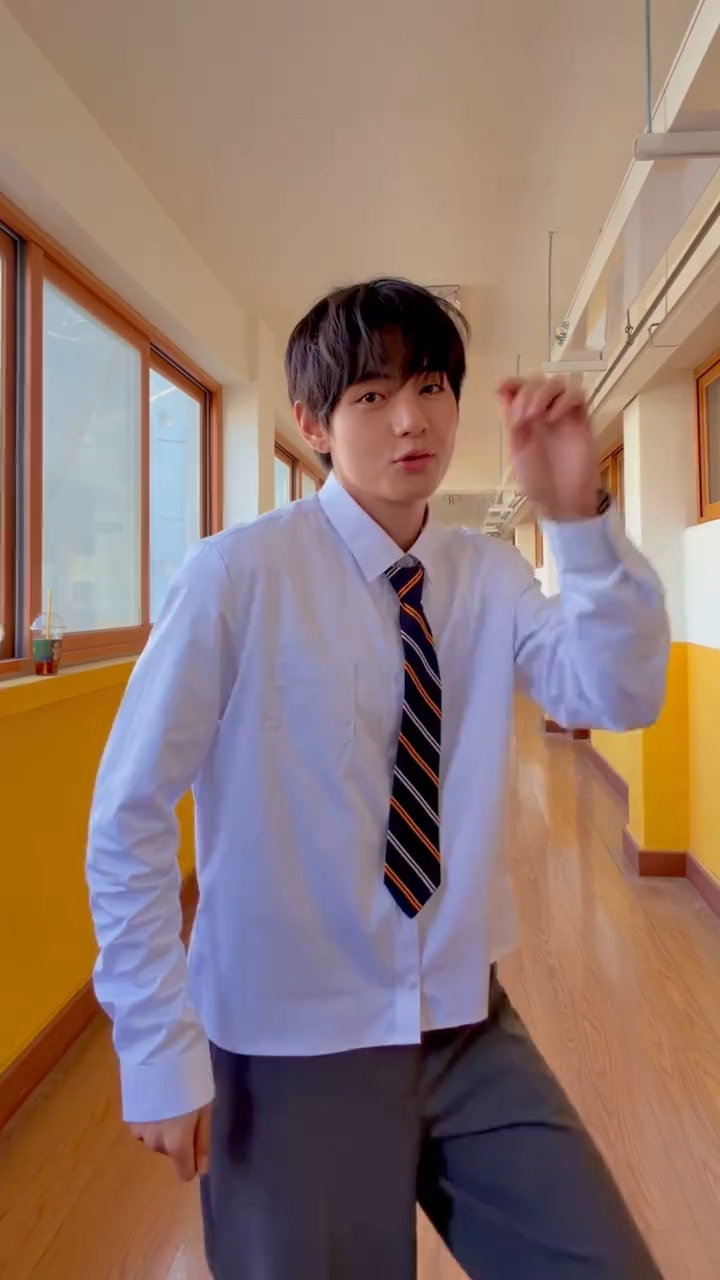
Still frame from the dance video preview
Credits

You see the price first

After the video upload is checked, the page shows a credit quote for the chosen output length. The quote uses the configured Seedance 2 Fast rate and the reference video's verified duration. The upload itself does not start a paid generation.

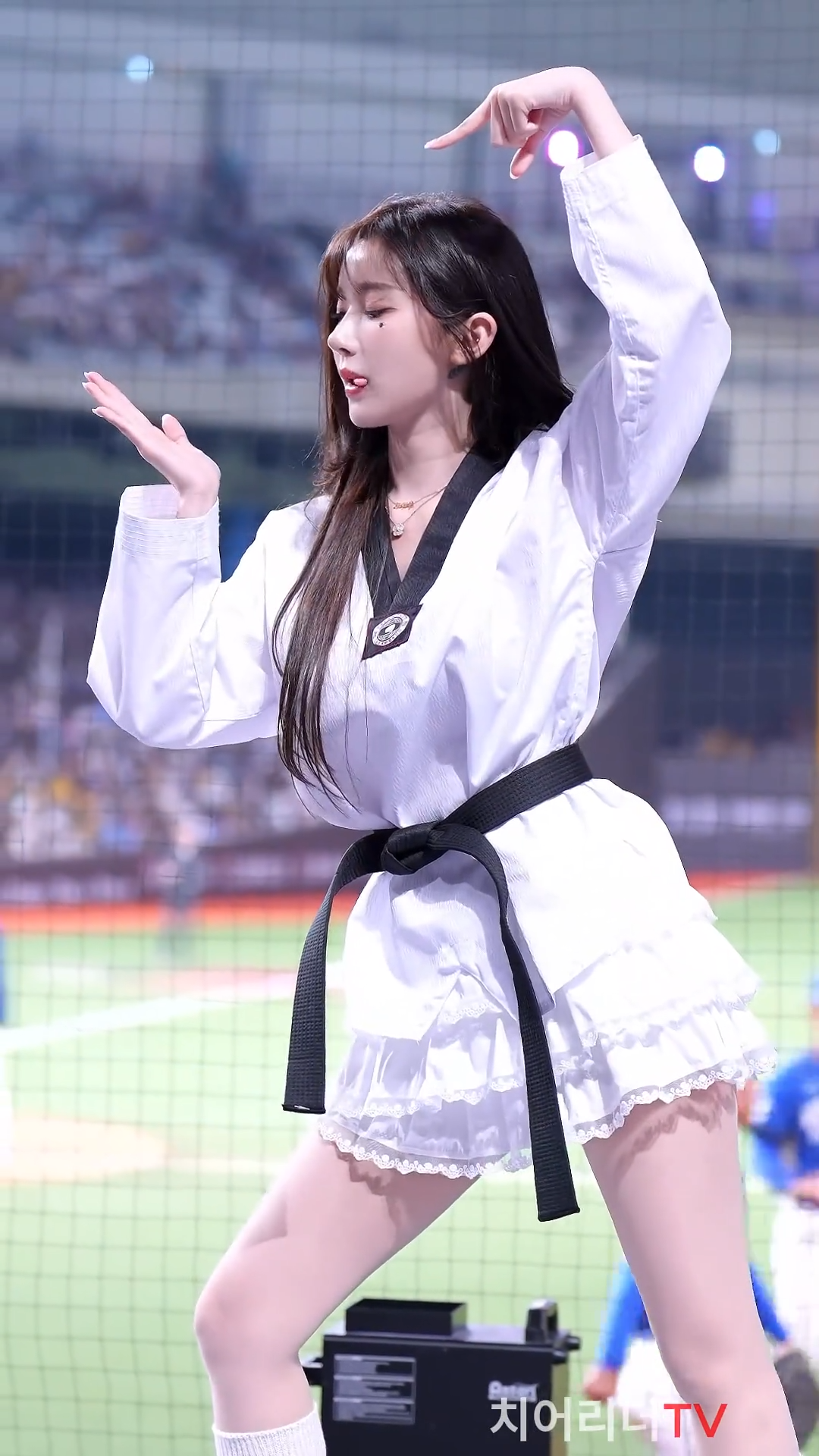
Later frame from the example dance video
Preview

Review the finished dance

When generation finishes, preview the silent vertical MP4 before downloading or sharing it. Check the motion, face, and timing because the output may differ from the reference clip.

HOW TO MAKE AN AI DANCE VIDEO

Three steps from dance reference to MP4

This workflow is for creators who already have a dance clip they are allowed to reuse. The AI Dance Generator keeps the two inputs and credit cost visible together, so you can confirm them before submitting a job.

Upload a dance reference

Choose a standard MP4 between 3 and 15 seconds and no larger than 40 MB. The server checks the file duration before accepting it. If your original dance is longer, trim it to the segment you want the AI to follow.

Add a clear portrait

Choose one JPG, PNG, or WebP up to 10 MB. The photo gives the main dancer's visible appearance; it does not guarantee an identical face in every frame. Use a picture of yourself or someone who has agreed to this use.

Choose length and generate

Select a 5, 8, 10, or 15 second output. Check the calculated credits, then generate. When the job finishes, preview the silent vertical MP4 and open it for download. If generation fails, reserved credits return.

BETTER INPUTS

Make the movement easier for AI to follow

The quality of your inputs matters more than a long prompt for this tool. A simple, readable dance sequence usually works better than a clip with cuts, crowd movement, and rapid camera changes.

Keep the dancer visible

Try a full-body or at least three-quarter view. Hands and feet that leave the frame are harder to reconstruct. Avoid having several people cross in front of the main dancer.

Use a stable shot

A fixed or gently moving camera helps the model distinguish the choreography from camera motion. Fast zooms and jump cuts can make the output less consistent.

Match the portrait to the scene

A clear face, ordinary lighting, and visible clothing give the model more to work with. A close-up can guide identity, but it provides little information about the person's full body.

Start short

A 5-second test is a practical way to check identity and motion before choosing a longer output. Your reference can be longer than the output; the model decides which movement to carry into the result.

WAYS TO USE IT

Dance ideas for short-form video

Start with a dance clip you can reuse, then choose how to turn it into a short video.

Make a vertical draft for TikTok, Instagram Reels, or YouTube Shorts. Check the motion and face before publishing.

Dancer in a short video reference frame
Second frame of the dance reference
Dance video frame for a short-form clip
Final frame from the example dance reference
BEFORE YOU GENERATE

What the reference can and cannot control

Check the reference, output format, and credit quote before starting a generation.

Motion is a guide

The dance is generated, not copied frame by frame. Spins, hidden limbs, crowds, mirrors, and cuts can change the result.

Vertical and silent

Seedance 2 Fast outputs a silent 720p, 9:16 MP4. Choose 5, 8, 10, or 15 seconds; the reference must be 3–15 seconds.

See credits first

Verified reference length is rounded up to a whole second. The quote uses reference plus output seconds at the configured rate.

Review before sharing

Use videos and photos you may reuse. Check the generated clip, and add only audio you have permission to use.

AI Dance Generator questions

Practical answers about uploads, duration, credits, and the finished dance video.

Make your own AI dance video

Bring a short dance clip and a clear portrait. Check the verified credit quote, then generate a vertical MP4 you can preview before sharing.

AI Dance Generator — Dance From Your Video & Photo | MyAIVideo