
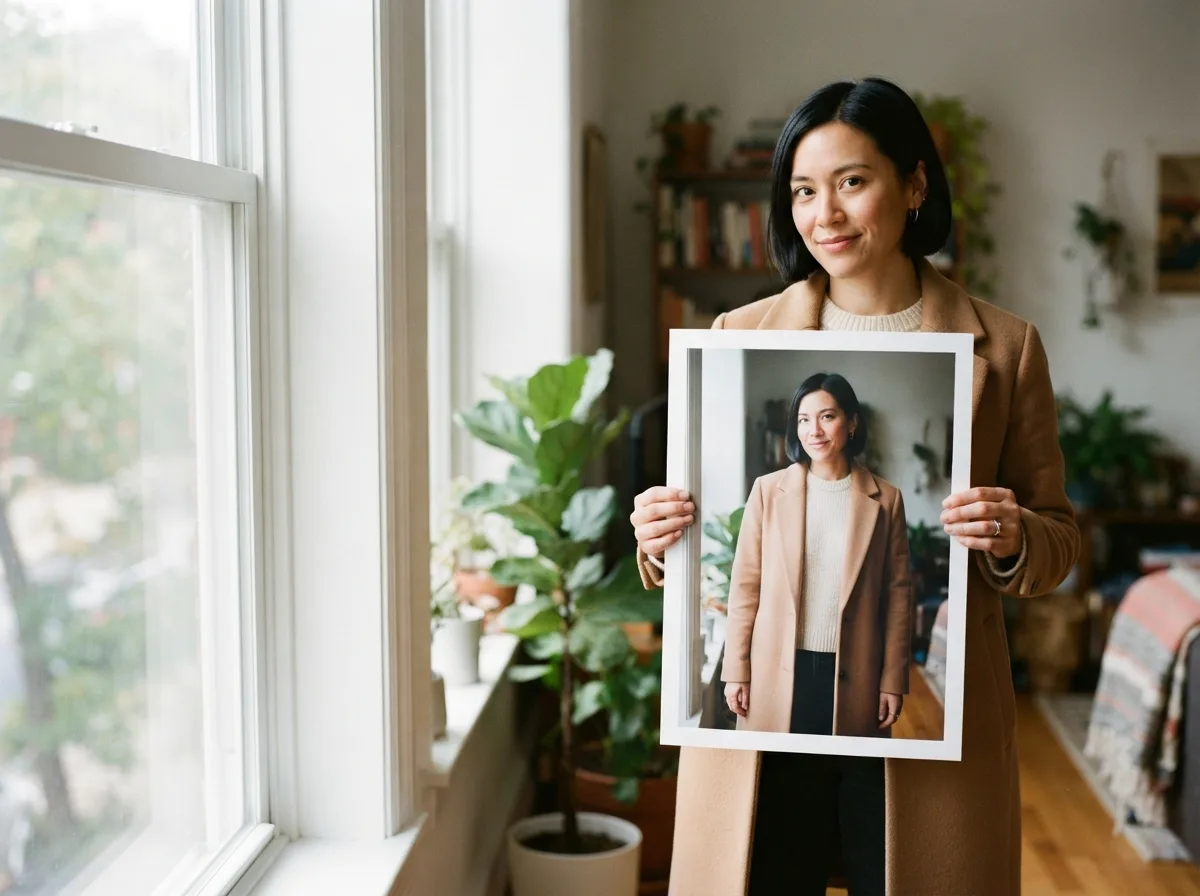
Animate Photo
Use Animate Photo for a picture you already have. Upload one portrait, pet, or memory still, describe one small movement if you want, then download a short MP4.
Upload one photo
Add a portrait, pet, or memory still, then describe one small movement.
Choose a model
JPG, PNG, or WebP · Max 10 MB
Video length
Resolution
Failed generations return credits.
Example clip
A short clip made from one still. Your result appears under My video after you generate.
A still you already have, then a short moving result
The uploaded picture stays in charge. The model invents the next frames. It does not apply a brush, mask, or GIF effect, and it does not speak or repair a print. Use image to video for a product or camera move, and text to video when you have no still.
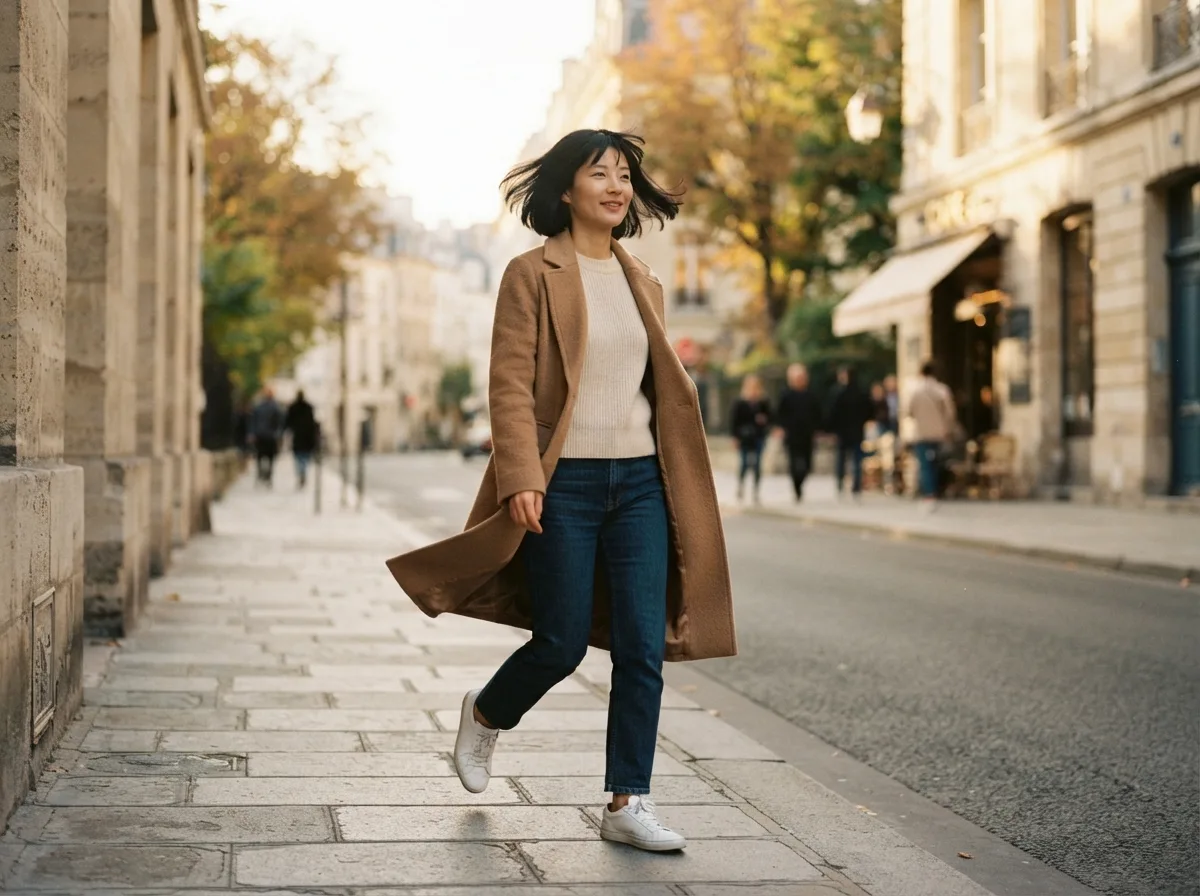
Direct
Ask for one small change
Leave the note empty, or name one change such as a blink or a breeze. Do not add a new place or a second person.
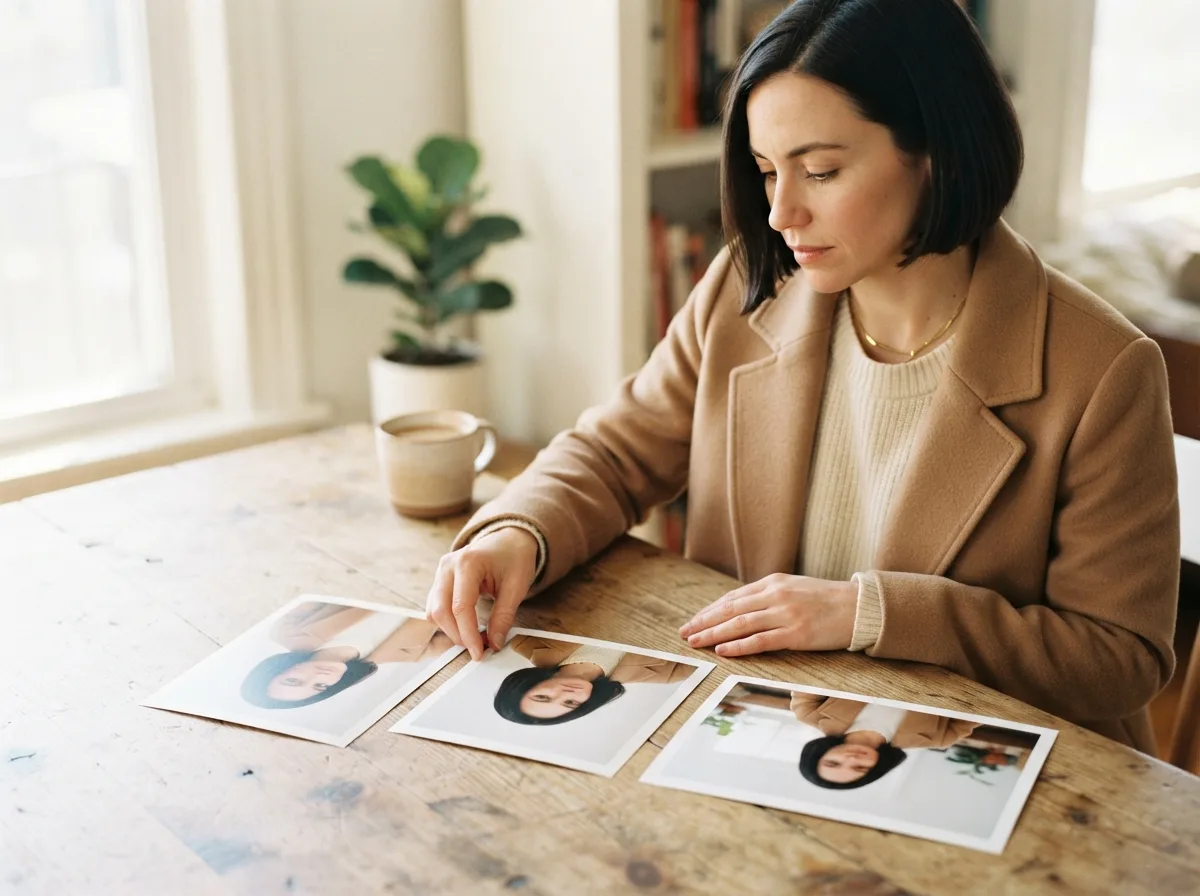
Control
Check the quote before you generate
Pick a model that accepts an image, then the duration and resolution that model offers. The frame follows the uploaded photo. The credit estimate updates before you generate. Opening the page does not charge you.
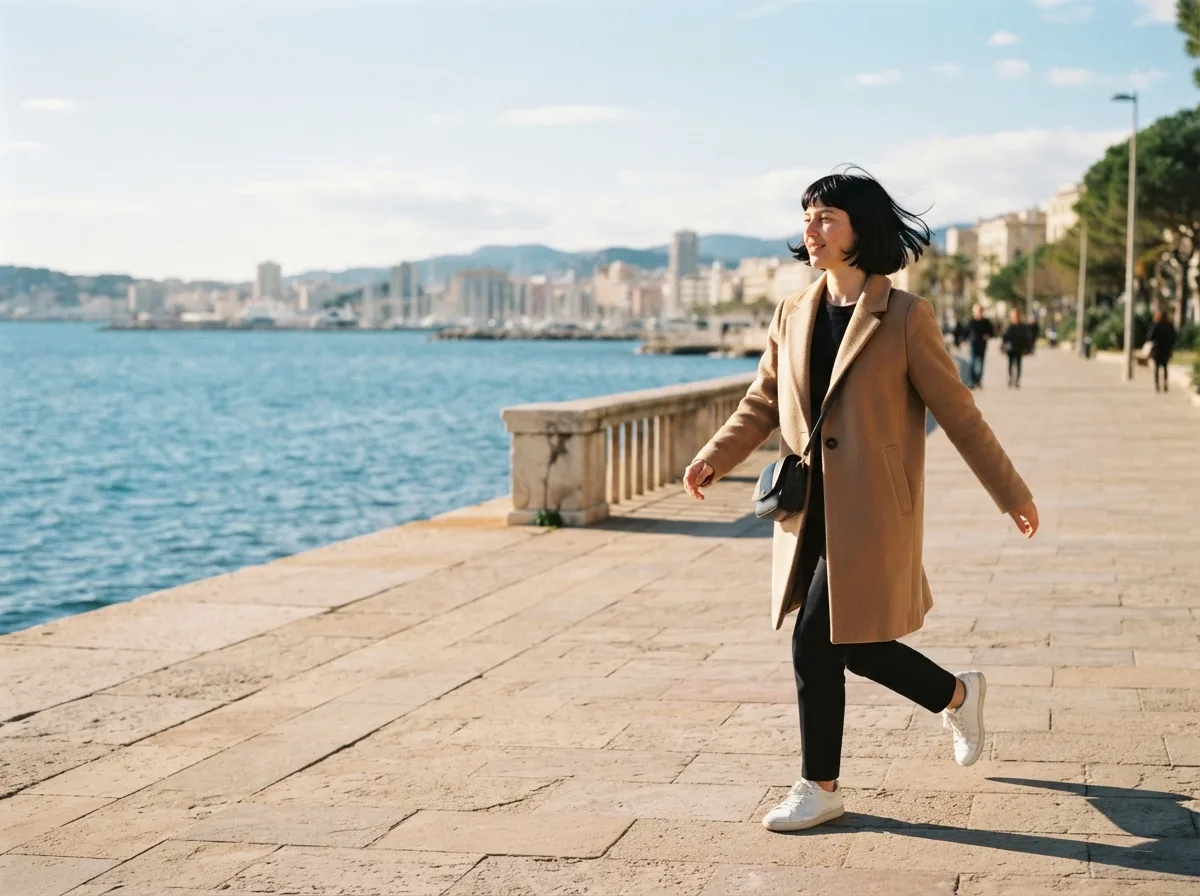
HOW IT WORKS
Three steps to animate a photo
The page opens on the upload and uses the same image-mode generator as the rest of MyAIVideo. The job here is one existing still and one restrained movement.
Upload a still you may use
Use a picture you have rights to, and get permission before you move a recognizable person. One large subject is easier to review than a distant group.
Set the clip, then add a note only if you need one
Choose the model, then the resolution and length that model offers, currently 5 to 15 seconds and 480p to 1080p. The frame follows the photo. Add a note only for a specific movement.
Generate, review, and download
Submit after the credit estimate is visible. Play the MP4 beside the original still. If it drifts, keep the same picture and change only the note or the duration.
WHY THIS PAGE
When a small movement is the whole job
Use this page for a memory, a selfie, or a pet that should shift a little. Use image to video for a product, a landscape, or a planned camera path. Use the ideas library for a fixed trend template.
The uploaded still stays the reference
The picture supplies the subject. Text to video invents the scene from words.
One action, not a scene list
A blink, a smile, or a slow lean is enough. A new room plus another character pulls the clip off the still.
Not a design-effect animator
There is no brush, ink mask, or GIF export. The result is a generated MP4.
Not a talking portrait
There is no script, voice, caption, or lip sync. Add licensed audio later where you publish.
Not a restore step
An old scan can be the input. This page does not repair scratches, colorize a print, or upscale it first.
A separate page for product and camera work
A product photo can move here, but a turn or a push-in on packaging fits better on image to video.
USE CASES
Stills that only need a little life
A face, a pet, or an old scan can take one small movement. Treat the download as a draft, and do not present the invented motion as a documentary record.
A front-facing photo can blink, turn slightly, or catch a breeze. Skip sunglasses and pictures of people who did not agree.
PHOTO GUIDE
Stills that stay recognizable for a few seconds
A useful still is large, evenly lit, and limited to one subject. A longer note does not repair a blurry face.
Keep one subject large
Fill the frame with one person or pet. Distant groups lose detail.
Use plain light
Daylight or a simple indoor lamp is enough. Heavy filters hide the edges the model needs.
Name one motion
A blink, a breeze, or a slow lean is enough. Do not add a new place and a second character.
Say what should stay still
If the background should stay put, say so. Skip the note when any small movement is fine.
Upload a still, not a video
This page accepts one image. It does not take a source video, a second clip, or an end frame.
Change one thing on the retry
If the first MP4 drifts, edit the note or the duration and keep the same still.
Questions before you generate
Answers about the still, the optional note, and the limits of this page.
Animate a photo, then review the MP4
Upload one still you are allowed to use. Generate after the credit estimate is visible, then compare the download with the original picture.