Standard
Seedance 2.0
Use Seedance 2.0 for higher-quality text and first-frame image clips on MyAIVideo.
Generate now MyAIVideo
Create Seedance AI videos from a text prompt or a single photo on MyAIVideo. Sign up for 20 free credits with no credit card, pick an available Seedance model, review the credit quote, then generate and download an MP4.
VERSIONS
Start with the version that matches your speed and quality needs. Each card links to the matching workflow on MyAIVideo.
Seedance AI is ByteDance’s family of video generation models. This page focuses on the Seedance models MyAIVideo currently exposes in the generator above—not the official Dreamina or CapCut apps.
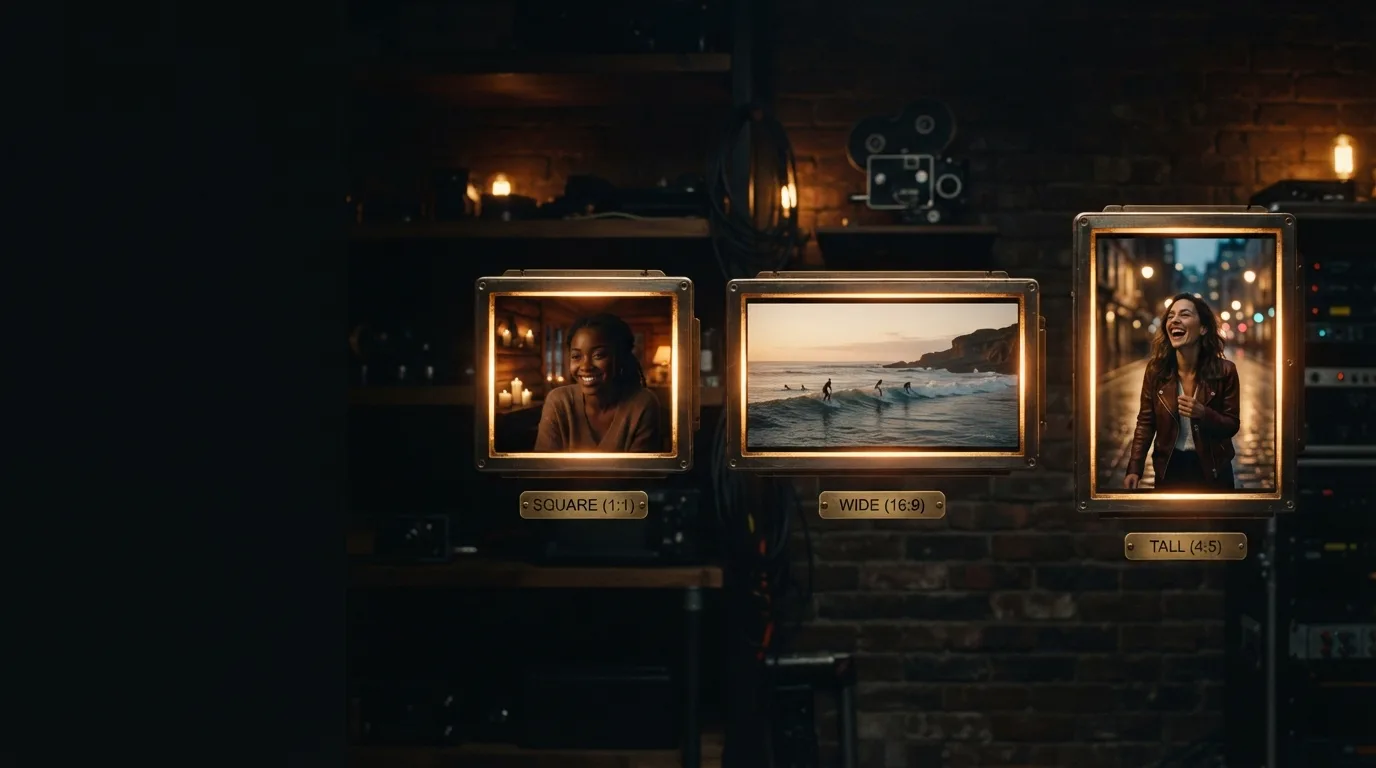
The model list is limited to Seedance options enabled on MyAIVideo, including Seedance 1.5 Pro (basic) and Seedance 2 Fast. Resolution, duration, and credit cost update before you generate.
Credit cost depends on the model, resolution, and clip length. The generate button shows the quote for your current settings so you can decide before spending credits.
The workflow matches the generator above so you can move from idea to MP4 without leaving this page.
Use text mode for a new scene, or image mode when the clip should start from one still frame.
Pick Seedance 2 Fast for quicker drafts, or Seedance 1.5 Pro when you want to use signup credits on a shorter trial clip.
Choose aspect ratio, resolution, and duration supported by the selected model. Confirm the credit quote on the generate button.
Sign in if needed, run the job, preview the motion, then download the MP4.
Capabilities below reflect the models and settings currently enabled in MyAIVideo, not every feature shown on ByteDance marketing pages.
Describe one coherent shot with subject, action, setting, and optional camera direction.
Upload a JPG, PNG, or WebP still and add an optional motion prompt.
480p or 720p output with 5–15 second durations on the fast Seedance 2.0 variant.
Legacy basic model for shorter trial clips; check the tool for supported resolutions and sunset timing.
See estimated credits before you submit a generation request.
Multimodal reference video and audio inputs are not available in this MyAIVideo workflow yet.
Seedance works well for short, focused clips where you want ByteDance motion quality without building a full edit timeline first.
Draft a 9:16 Seedance clip for Reels, Shorts, or TikTok, then add final captions or audio in your editor.
Answers about models, free credits, inputs, and how MyAIVideo relates to official Seedance products.
Pick a Seedance model, check the credit quote, and generate your next clip.