Model
Locked to Seedance 2.0
The generator is bound to the standard Seedance 2.0 model ID. It does not silently switch to Seedance 2 Fast or other families.
 MyAIVideo
Generate Seedance 2.0 videos from a text prompt or a single photo on MyAIVideo. This page is locked to the standard Seedance 2.0 model, shows supported settings, and displays the credit quote before you generate.
This page uses the Seedance 2.0 registry model on MyAIVideo—not Dreamina, CapCut, or other ByteDance consumer apps. Capabilities below match what this site exposes today.
The generator is bound to the standard Seedance 2.0 model ID. It does not silently switch to Seedance 2 Fast or other families.
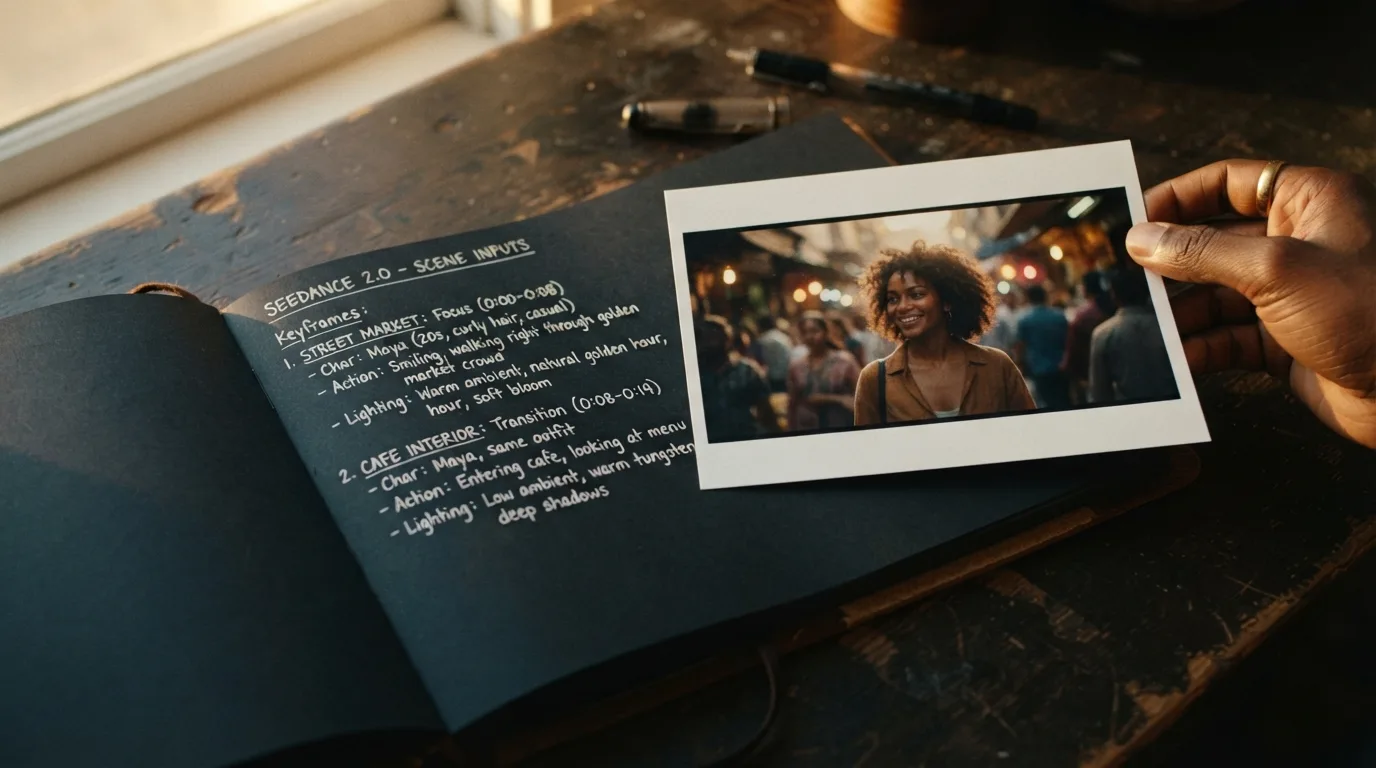
Write a scene for text-to-video, or upload one still for first-frame image-to-video. Reference video and audio uploads are not available on this page.
Seedance 2.0 supports 480p, 720p, and 1080p with clip lengths of 5, 8, 10, or 15 seconds on supported aspect ratios.
COMPARE MODELS
Compare Seedance 2.0 with Seedance 2 Fast and Seedance 1.5 Pro on MyAIVideo—resolution, clip length, inputs, workflow roles, and what each variant is best for before you generate.
Seedance 2.0 is the standard-quality branch of ByteDance’s Seedance 2 family. This page is locked to the standard Seedance 2.0 model for text-to-video and image-to-video—without switching to Seedance 2 Fast by accident.
The table below compares Seedance 2.0 with Seedance 2 Fast and Seedance 1.5 Pro on resolution, clip length, inputs, speed, and workflow role. Official Seedance apps may offer multimodal references and native audio; this MyAIVideo page supports text and first-frame image only. The tool above shows live parameters and the credit quote before you generate.
| Parameter | Seedance 2.0 | Seedance 2 Fast | Seedance 1.5 Pro |
|---|---|---|---|
| Best for | Final clips, 1080p, complex motion | Drafts, prompt tests, social clips | Signup-credit trials |
| Max resolution (MyAIVideo) | 480p, 720p, 1080p | 480p, 720p | 480p trial focus |
| Clip length | 5, 8, 10, or 15 seconds | 5, 8, 10, or 15 seconds | 5, 8, or 10 seconds |
| Text-to-video | Yes | Yes | Yes |
| Image-to-video (first frame) | Yes | Yes | Yes |
| Reference video / audio (MyAIVideo) | Not on this page | Not on this page | Not on this page |
| Generation speed | Slower; higher-fidelity path | Faster turnaround | Fast legacy tier |
| Quality focus | Higher detail and 1080p output | Speed and lower cost per attempt | Low-cost trial generation |
| Status on MyAIVideo | Available now | Available now | Available (legacy) |
| Credits (MyAIVideo) | Per-second; 150 minimum — generate button | Lower per-second — family page | From 20 credits at 480p/5s |
WORKFLOW
Test prompts on the Seedance AI family page with Seedance 2 Fast, then return here for the standard Seedance 2.0 pass when you need 1080p or a higher-fidelity Seedance 2.0 export.
LIMITATIONS
CREDITS
The generate button shows the exact Seedance 2.0 credit total before you submit (150-credit minimum per job at 480p/5s). Signup includes 20 free credits for Seedance 2 Fast or Seedance 1.5 Pro trials; full Seedance 2.0 renders usually need a credit top-up.
The flow matches the tool above so you can move from prompt to MP4 on one page.
Use text mode for a new scene, or image mode when the clip should start from one still frame.
Pick aspect ratio, resolution, and duration from the options supported by Seedance 2.0 on MyAIVideo.
Check the total on the generate button. Sign in or add credits if needed before you submit.
Run the job, preview the result, and download the MP4 for your channel or editor.
Seedance 2.0 works best with one clear shot, visible subject detail, and a single dominant camera move.
Name who or what the viewer should see before describing motion or style.
Use a single verb-led movement such as walking, turning, pouring, or looking up.
Add time of day, weather, or interior lighting when it changes the feel of the shot.
Pick a push-in, pan, or tracking move instead of stacking several compound directions.
If you need readable words, start from an image that already contains the text, then animate it.
Change motion, lighting, or wardrobe separately so you can see what improved the clip.
Version-specific answers about the model binding, inputs, credits, and how this page differs from the Seedance AI family page.
Return to the tool above or explore other Seedance options on the family page.