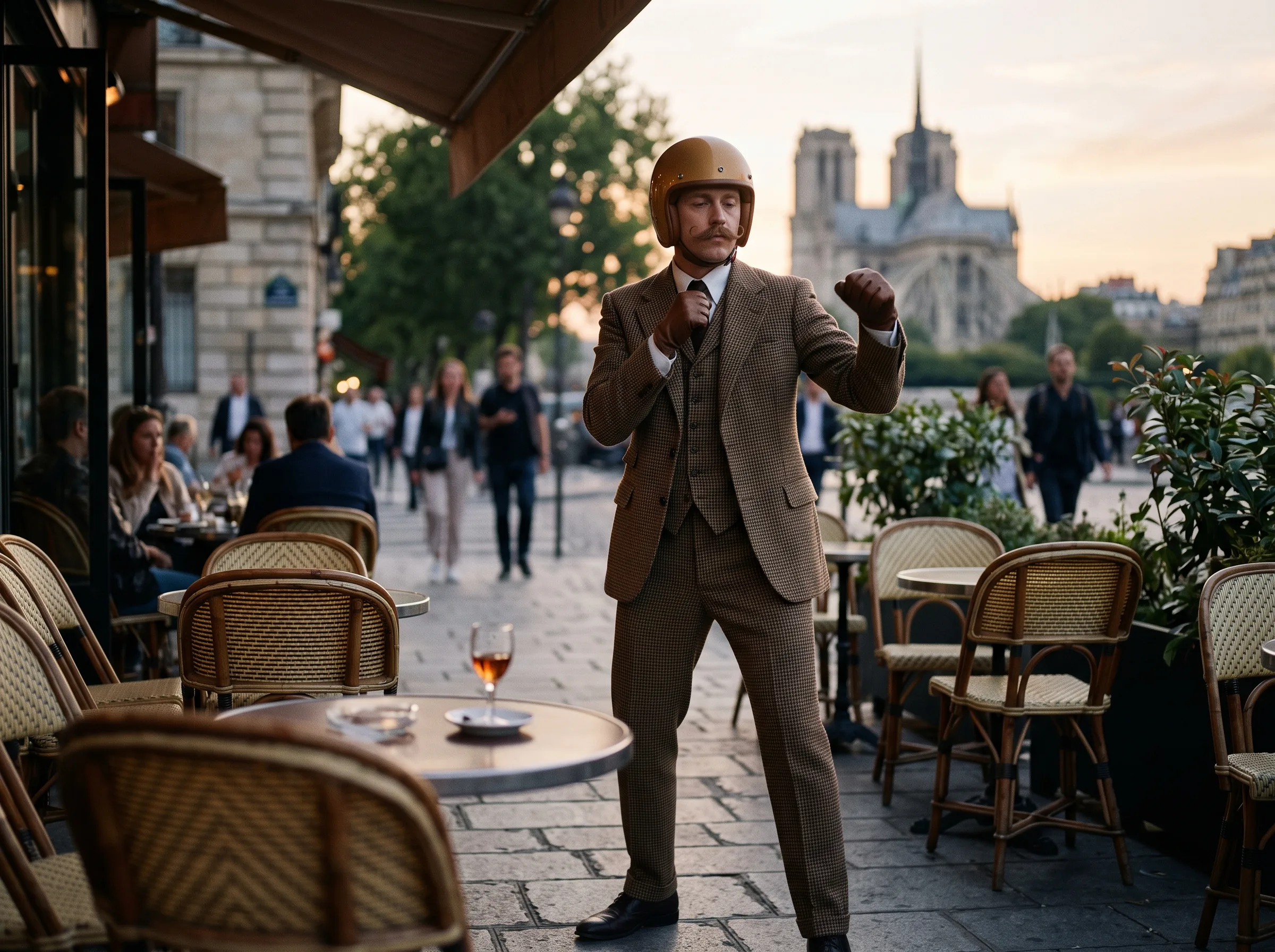
Intent
The search and the tool are different jobs
People who type Jean Phil AI often want to know who the character is. This page answers a different job: one photo you are allowed to use, plus the site template, becomes a short 9:16 MP4.
Upload one clear portrait and this Jean Phil AI generator places that person into a built-in vertical motion template. You do not write a prompt, pick a model, or upload your own video.
Use a clear, front-facing portrait. The motion comes from the built-in template.
JPG / PNG / WebP · 10 MB
Cost: … credits
10s · 720p · 9:16
Failed generations return credits.
Night selfie
Independent fan-style preset. Results vary, and this page is not affiliated with the character's creator or any token.
EXAMPLES
Each clip plays when it scrolls into view. Choose one and that motion becomes the template for your photo. The credit quote follows the length of the scene.
A Jean Phil AI generator on this site means a narrow preset: your portrait goes into a vertical clip whose camera and movement already exist. It is a fan-style tool inside MyAIVideo, not a biography of the character and not a place to trade anything.
People who type Jean Phil AI often want to know who the character is. This page answers a different job: one photo you are allowed to use, plus the site template, becomes a short 9:16 MP4.
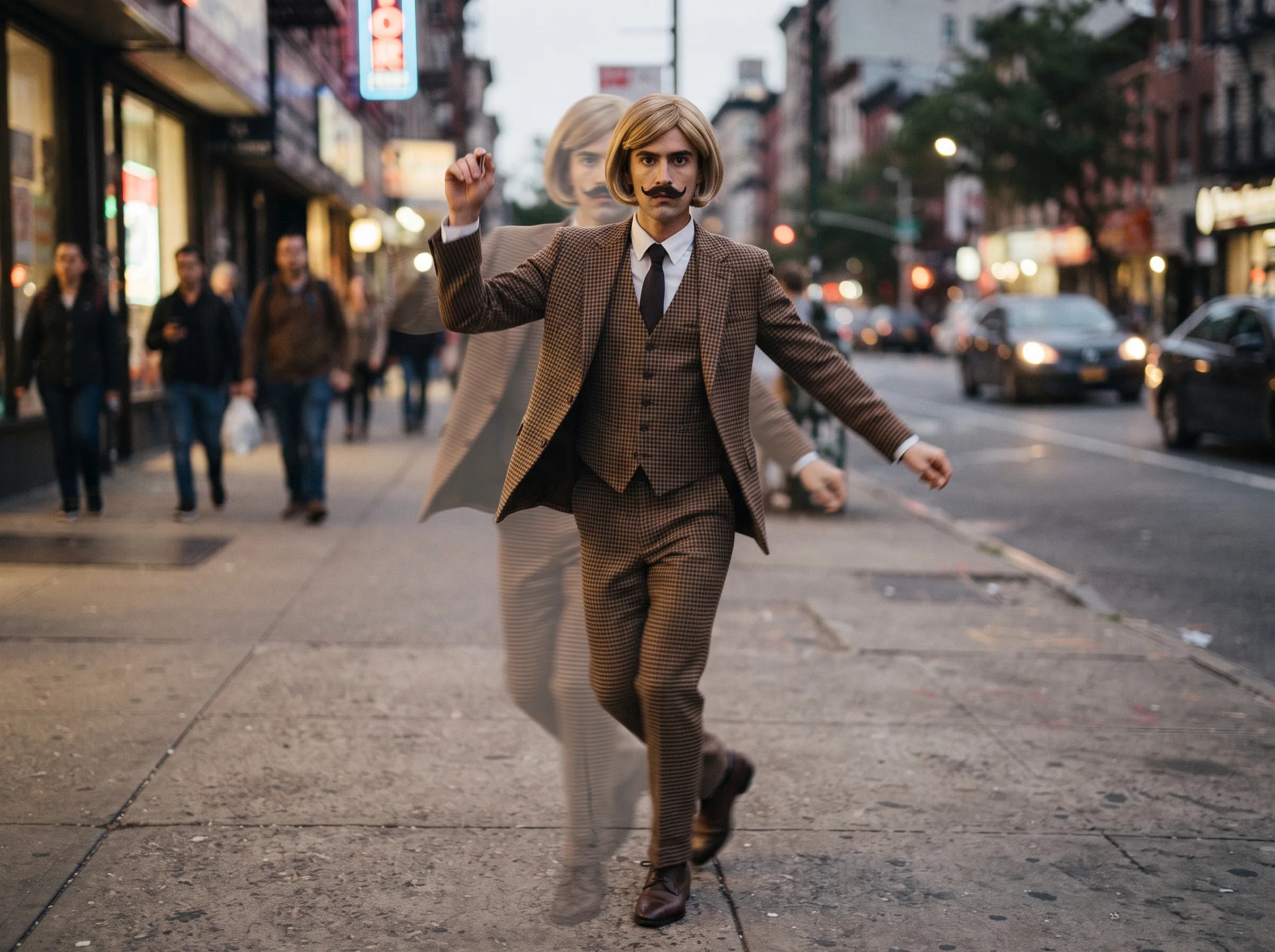
Resolution stays at 720p and the frame stays 9:16. Length follows the template file and must sit between 3 and 30 seconds. There is no model menu and no prompt box. The credit number comes from the same quote the server uses when it charges you.
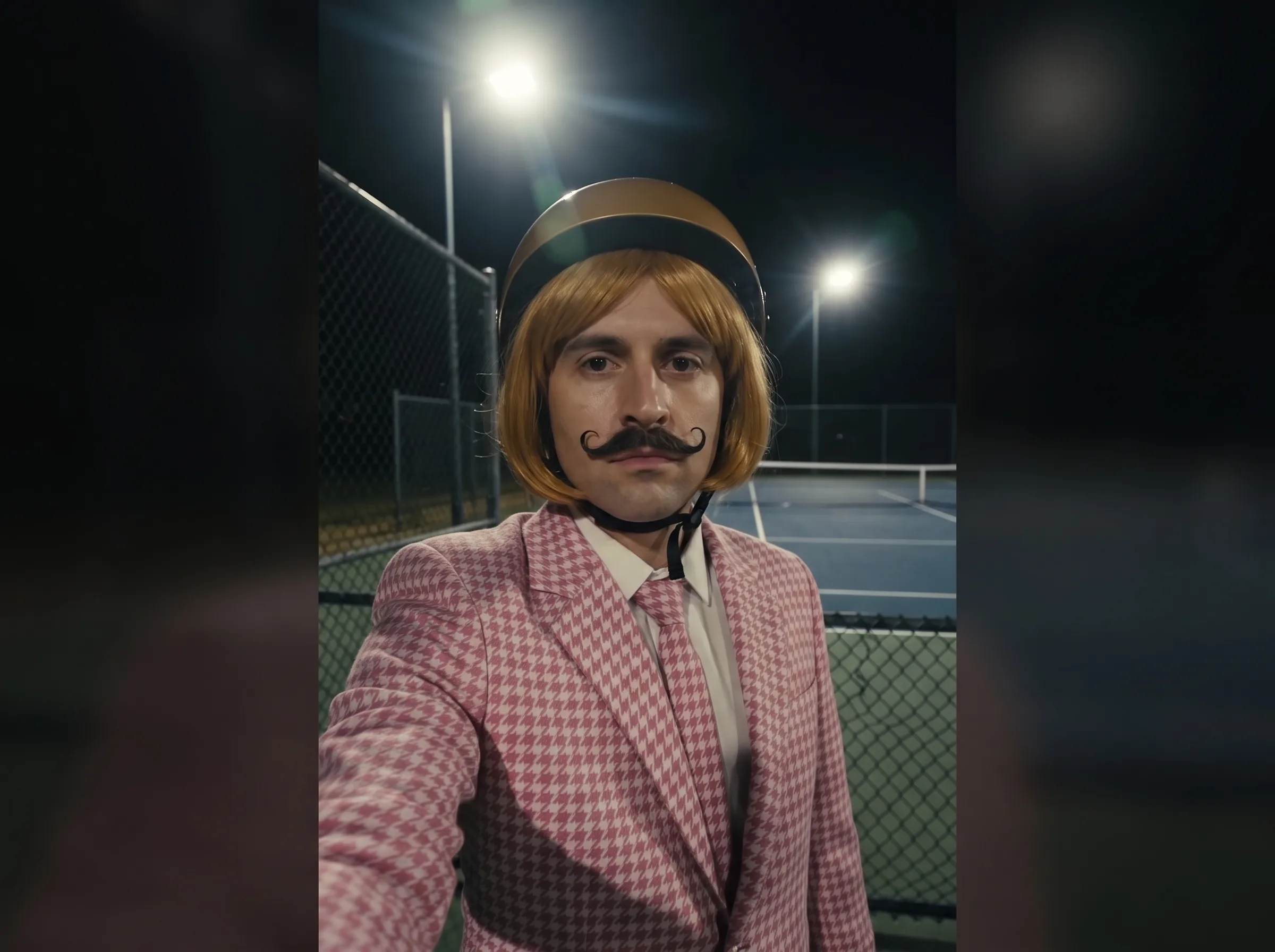
The portrait is the only creative input. A sharp, front-facing face with even light is the useful case. Sunglasses, a group shot, or a photo you do not have rights to will waste a generation. If the template file is missing, the button stays off.
The page checks the template, shows the quote, then sends one photo plus that template to the existing video API.
Choose a JPG, PNG, or WebP under 10 MB. Use a photo of yourself or of someone who agreed. Group photos and pictures of public figures are a poor fit.
When a template and its real length are configured, the tool loads a credit estimate for that length. If the quote does not load, generation stays disabled instead of guessing a price.
Keep the tab open. A finished job returns an MP4, and a failed job returns the credits. Check the face and the motion before you post the clip.
The preset can only follow what your photo actually shows. These checks matter more than a longer description.
Use one person, looking toward the lens, with the face large enough to see eyes, nose, and mouth. Profile shots and photos taken from far across a room lose identity as soon as the body starts to move.
Even daylight or a plain indoor lamp is enough. Heavy filters, neon color grades, and sunglasses hide the features the model needs. If the original photo already looks like a poster, the video will drift further.
You do not upload a dance clip, a reference video, or a second photo. The template owns the camera and the timing. Asking this page to copy an unrelated clip is a different tool, and that tool is not on this page.
The MP4 is AI-generated. Say so when the platform asks, and do not present it as footage of a real appearance. Permission to use the photo is your responsibility before you press generate.
The template supplies the motion. Your photo supplies the person.
Use a clear front-facing photo of yourself. The clip keeps the template timing and puts that face in the frame.
GOOD TO KNOW
This Jean Phil AI generator places one portrait into a scene you pick from the examples on this page. It does not accept a video you upload, and it does not write a new performance from a text prompt. Resolution stays at 720p and 9:16. The credit quote follows the length of the scene you selected.
The result follows the template's timing. It will not reproduce a specific viral clip frame for frame, and it will not guarantee a particular haircut, suit, or mustache. Faces can drift. Hands can look wrong. Treat the download as a draft and check it before you publish.
MyAIVideo is independent. This page is not made, endorsed, or sponsored by the person who created the Jean Phil character, by TikTok, by Instagram, or by any cryptocurrency. There is no wallet, no token, and no airdrop here. Credits are the only charge, and they come from your MyAIVideo balance.
Add sound later in the app where you publish, using audio that app already licenses. If a job fails, the reserved credits come back.
Practical answers about the photo, the template, credits, and what this page refuses to do.
Go back to the Jean Phil AI generator, add a clear photo, and generate only after the template and the credit quote are both visible.