Left
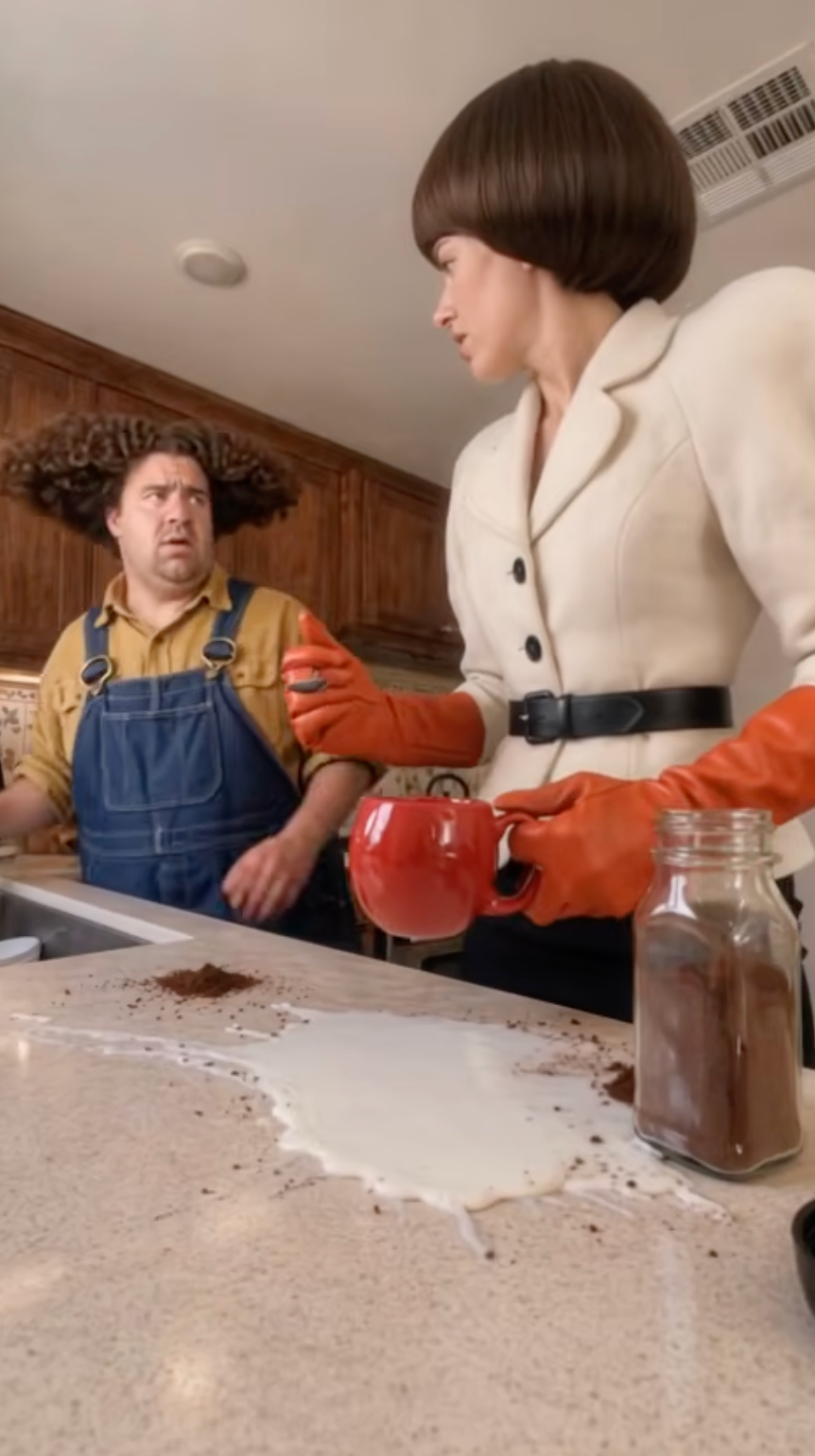
Left photo spills
That person pours milk onto the bare counter and shrugs. Use a photo you have the right to use.
 MyAIVideo
Upload two photos for a Duo Coffee AI kitchen clip. A built-in reference video guides the milk spill and reaction. Generate a silent vertical MP4 with Seedance 2 Fast.
Left spills the milk. Right holds the stare. The built-in video guides the scene.
Spills the milk
Holds the stare
JPG / PNG / WebP · 10 MB
Seedance 2 Fast · built-in video reference.
Aspect Ratio
9:16 only — vertical kitchen clip.
Resolution
Cost: … credits
15s · 9:16 · 720P
Failed generations return credits.
Duo Coffee AI example
The download is a silent MP4. Add audio where you publish.
Duo Coffee AI combines two photos into one reference image and uses the built-in kitchen video to guide the spill and reaction. It exports a silent vertical MP4; it is unrelated to the caffeine-tracking app.
That person pours milk onto the bare counter and shrugs. Use a photo you have the right to use.
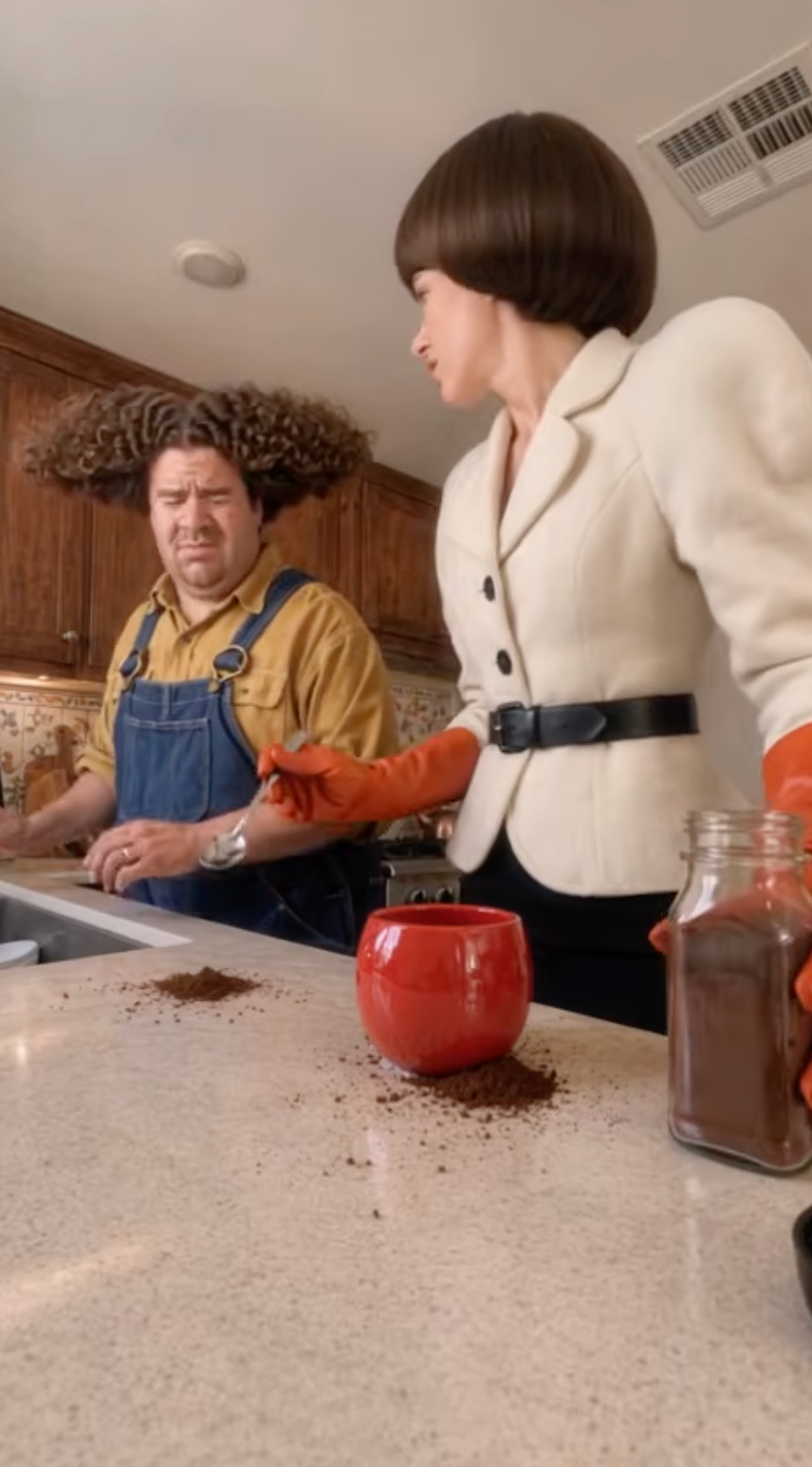
That person watches with a straight face. Swap the uploads if you want the roles reversed.
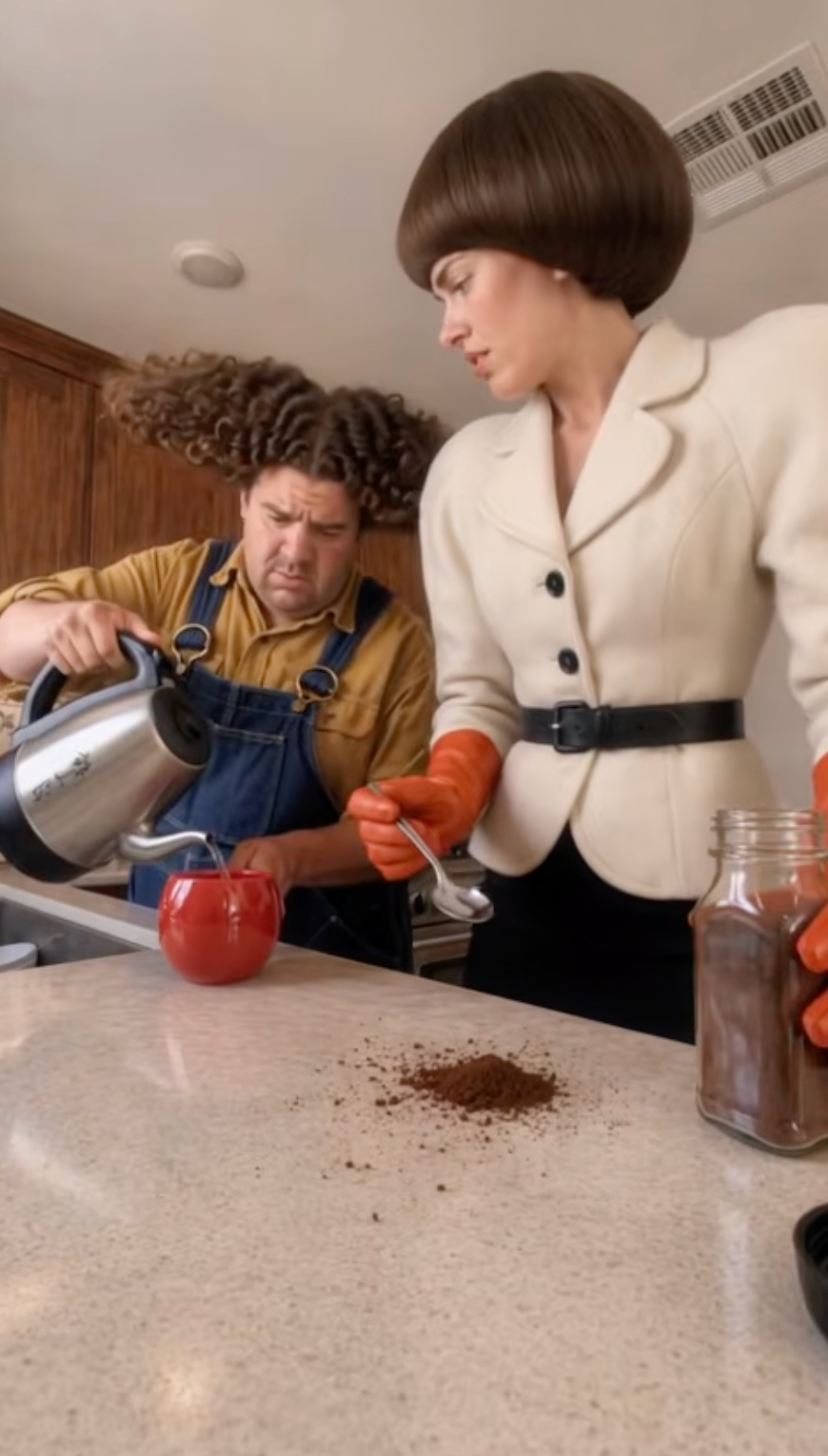
Your photos form one identity reference; the built-in video guides the action. Timing, hands, and faces may still vary.
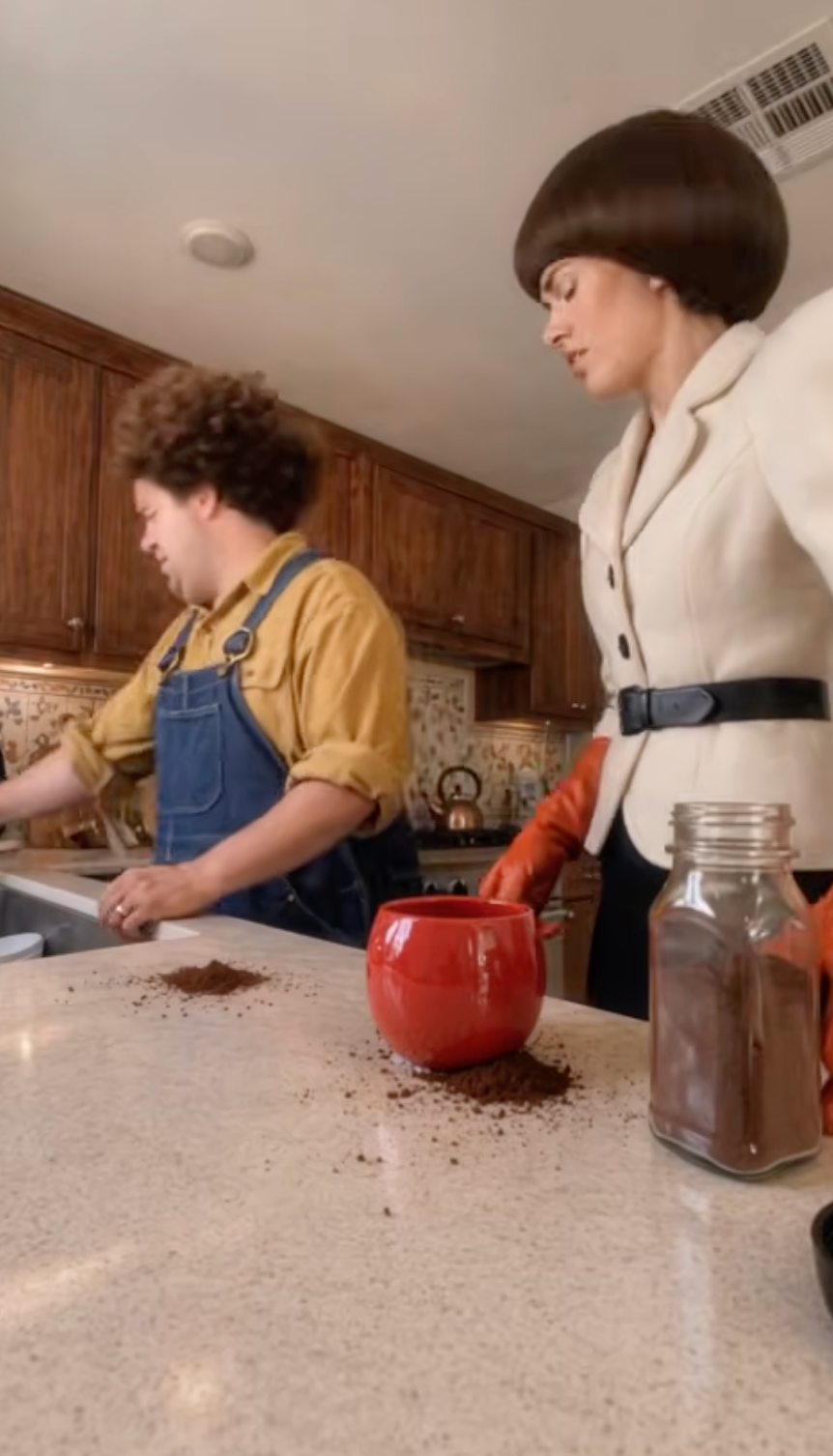
The MP4 has no music and no lyric captions. Add a sound from the app where you publish.
Both photos are required. Opening the page does not charge credits. The price is visible before you generate.
One clear person per photo. Left spills. Right stares. Group shots and sunglasses are harder to keep.
The model, 15-second length, and 720p resolution are set for this preset. The button stays off until both photos and a price are ready.
Download the silent MP4 and compare both faces with the originals. A failed job returns the reserved credits.
Each upload should show one face and the upper body. The clothes in the photo are the clothes in the clip.
Do not upload a couple in a single frame. The left and right slots are two different people.
Even light and a visible face hold up better than a profile, sunglasses, or a heavy filter.
Use photos you may use, and get agreement before you put a recognizable person in the clip.
The page does not dress anyone in a cape or copy a named TV character. Outfits stay with the photos.
GOOD TO KNOW
This page combines two uploaded photos into one reference image. Seedance 2 Fast uses that image and the built-in kitchen video to guide a 15-second vertical clip. You cannot upload a different reference video here, and the output is not a frame-for-frame copy.
The download is a silent MP4. It does not include a song, lyric captions, a cape, or a named TV character. Add audio where you publish, using a sound that platform already allows.
This page is not the Duo Coffee caffeine-tracking app, and it is not cafe software. MyAIVideo is independent of the accounts that posted the kitchen trend.
Hands, timing, and faces can still drift despite the reference. Review the file before you post it. A failed job returns the reserved credits.
Answers about the two photos, the silent file, and what this page is not.
Upload two photos you are allowed to use. Generate after the credit estimate is visible, then compare the silent MP4 with the originals.