Model
Locked model
The request uses seedance-2.5 only. You cannot pick another model from this page, and a failed setting is not silently replaced with a cheaper one.
 MyAIVideo
Generate a Seedance 2.5 clip from a text prompt or one first-frame image. Length is any whole second from 4 to 30, in one render, at 480p, 720p, or 1080p. Frames are 16:9, 9:16, 1:1, 4:3, 3:4, or 21:9. This page stays on that model and shows the credit total before you generate.
Results are saved in History — view and download anytime.
The generator above is locked to one model id. It does not switch to Seedance 2.0, Seedance 2 Fast, or Basic. MyAIVideo is not the official Seedance site, and this page does not reproduce every input listed on other providers.
The request uses seedance-2.5 only. You cannot pick another model from this page, and a failed setting is not silently replaced with a cheaper one.
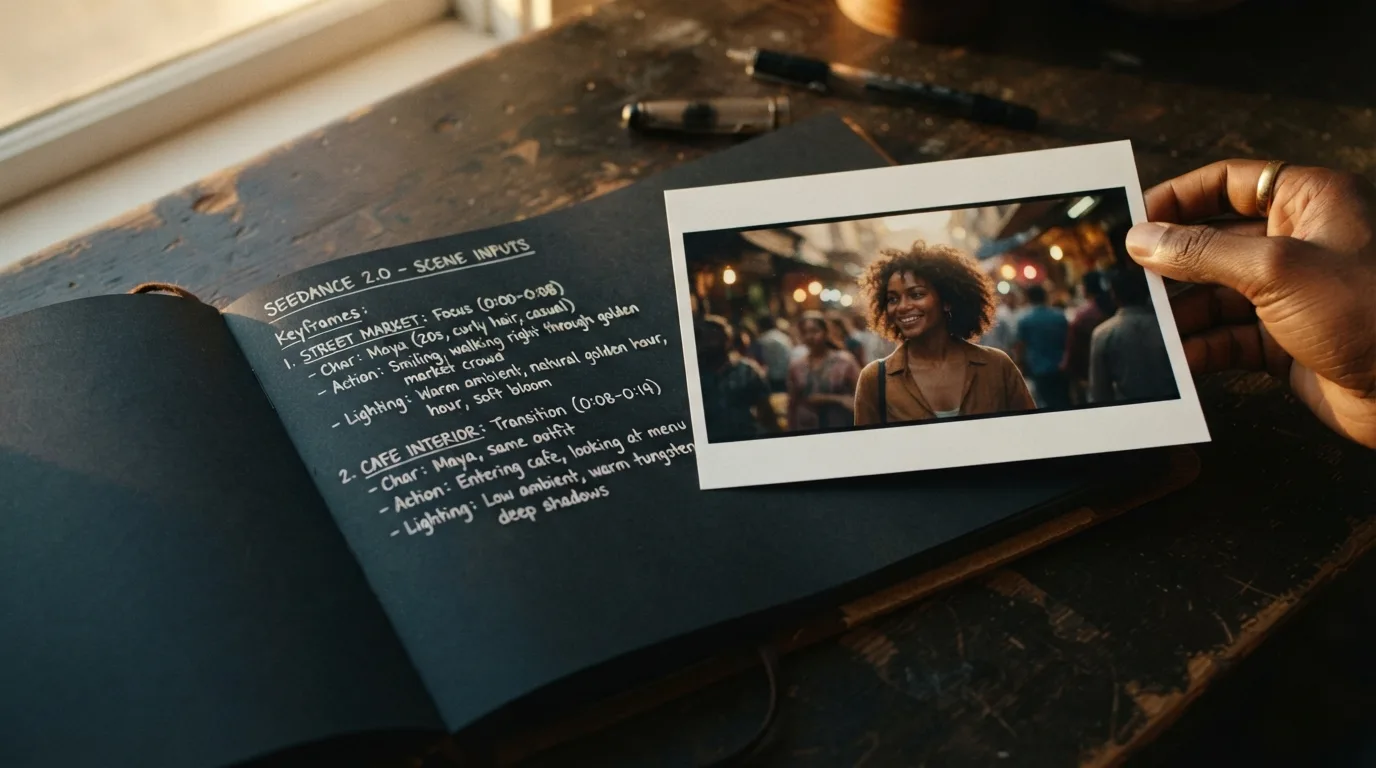
Text mode starts from the prompt. Image mode adds one JPG, PNG, or WebP as the opening frame, so a product, a face, or lettering already in the still is what the clip opens on. Add a short motion note for the camera or the subject. There is no slot for a reference video, a reference audio file, or a separate ending frame.
Choose any whole second from 4 through 30. The full length is one render, long enough for a product turn, a short walk, or a single camera move, and wider than the 5, 8, 10, and 15 second choices on the Seedance 2.0 page. Resolution is 480p, 720p, or 1080p. Aspect ratios are 16:9, 9:16, 1:1, 4:3, 3:4, and 21:9. The file is a silent MP4.
SETTINGS
Use this table for the settings the generator will accept. Longer multimodal workflows described by ByteDance are not switches on this page.
This workflow is text-to-video or first-frame image-to-video. You write the shot, or you attach one still and describe how that still should move. The model id stays seedance-2.5 for the whole job. Use the Seedance 2.0 page for that model’s shorter length list, or the family page for Seedance 2 Fast and Basic.
Length is a whole number of seconds from 4 to 30, rendered once rather than pasted together from shorter clips. The Seedance 2.0 page only offers 5, 8, 10, and 15 seconds. Resolution is 480p, 720p, or 1080p: keep tests on 480p or 720p, and move a finished shot to 1080p. Frames are 16:9, 9:16, 1:1, 4:3, 3:4, and 21:9. Use 9:16 for a vertical post and 21:9 for a wide shot. The form has no automatic duration and no adaptive aspect control.
Credit math is per output second and does not add a hidden minimum on top of that rate. At 480p the rate is 28 credits, so 4 seconds costs 112 and 5 seconds costs 140. At 720p the rate is 63 credits, so 5 seconds costs 315 and 10 seconds costs 630. At 1080p the rate is 158 credits, so 5 seconds costs 790. This model is not the default generator, because a 1080p clip is expensive. Check the button total before you submit.
What you cannot attach: a stack of reference images, a reference video, a reference audio clip, or a last frame that is separate from the first. Those inputs exist in the upstream API and are mutually exclusive with a first-frame job. This site does not send them. The result is an MP4 without a generated soundtrack. If a job fails after credits were reserved, the same refund rule used by the other video tools on MyAIVideo applies.
| Setting | On this page |
|---|---|
| Model | Locked to Seedance 2.5 |
| Text prompt | Yes |
| First-frame image | One JPG, PNG, or WebP |
| Reference video or audio | No |
| Ending frame | No |
| Generated audio | Off |
| Duration | 4–30 seconds, whole seconds |
| Resolution | 480p, 720p, 1080p |
| Aspect ratio | 16:9, 9:16, 1:1, 4:3, 3:4, 21:9 |
| Credits per second | 28 / 63 / 158 |
| New-account 20 credits | Not enough for a clip |
WORKFLOW
Stay here when you need a 4 to 30 second clip from words or one opening still. Open Seedance 2.0 when you want that model’s 5, 8, 10, or 15 second settings. Open the family page when you want Seedance 2 Fast or Basic and a lower credit quote.
LIMITATIONS
CREDITS
The button total is resolution times whole seconds: 28, 63, or 158 credits per second at 480p, 720p, and 1080p. A failed setting is not swapped for a cheaper model. Twenty signup credits stay on the account and cannot cover any clip here.
The steps match the tool at the top of this page.
Use text mode for a new scene. Use image mode when the clip must start from a photo you already have. Add a short motion note only if the still needs direction.
Pick a whole-second length from 4 to 30, then resolution and aspect ratio. A vertical post can use 9:16, a wide shot can use 21:9, and 1080p is there once a cheaper test already looks right. The form only lists combinations this model accepts.
The generate button shows the exact credit cost for the current resolution and length. Sign in or add credits before you submit if the balance is short.
Run the job, preview the silent MP4, and download it. Keep the tab open while the job runs.
A longer duration does not mean the prompt should list every scene. Twenty or thirty seconds still works better as one subject, one action, and one camera move.
Say who or what is in frame before you describe style. A product, a person, or a place should be identifiable in the first line.
Walking, turning, pouring, or looking up is enough. A chain of unrelated events in one prompt is harder to follow across 10 or 20 seconds.
Morning window light, overcast street light, or a warm interior lamp gives the shot a consistent look from the first second to the last.
A slow push-in, a lateral track, or a locked frame is clearer than stacking several moves. Mention the move once.
If a label or title must stay readable, start from an image that already contains it. Do not rely on the prompt to invent clean typography.
If the motion is right and the light is wrong, edit only the light. That makes the credit spend easier to judge.
Answers match the generator on this page, not every feature listed by other Seedance hosts.
Go back to the tool, or compare Seedance 2.0 and the faster family-page models first.